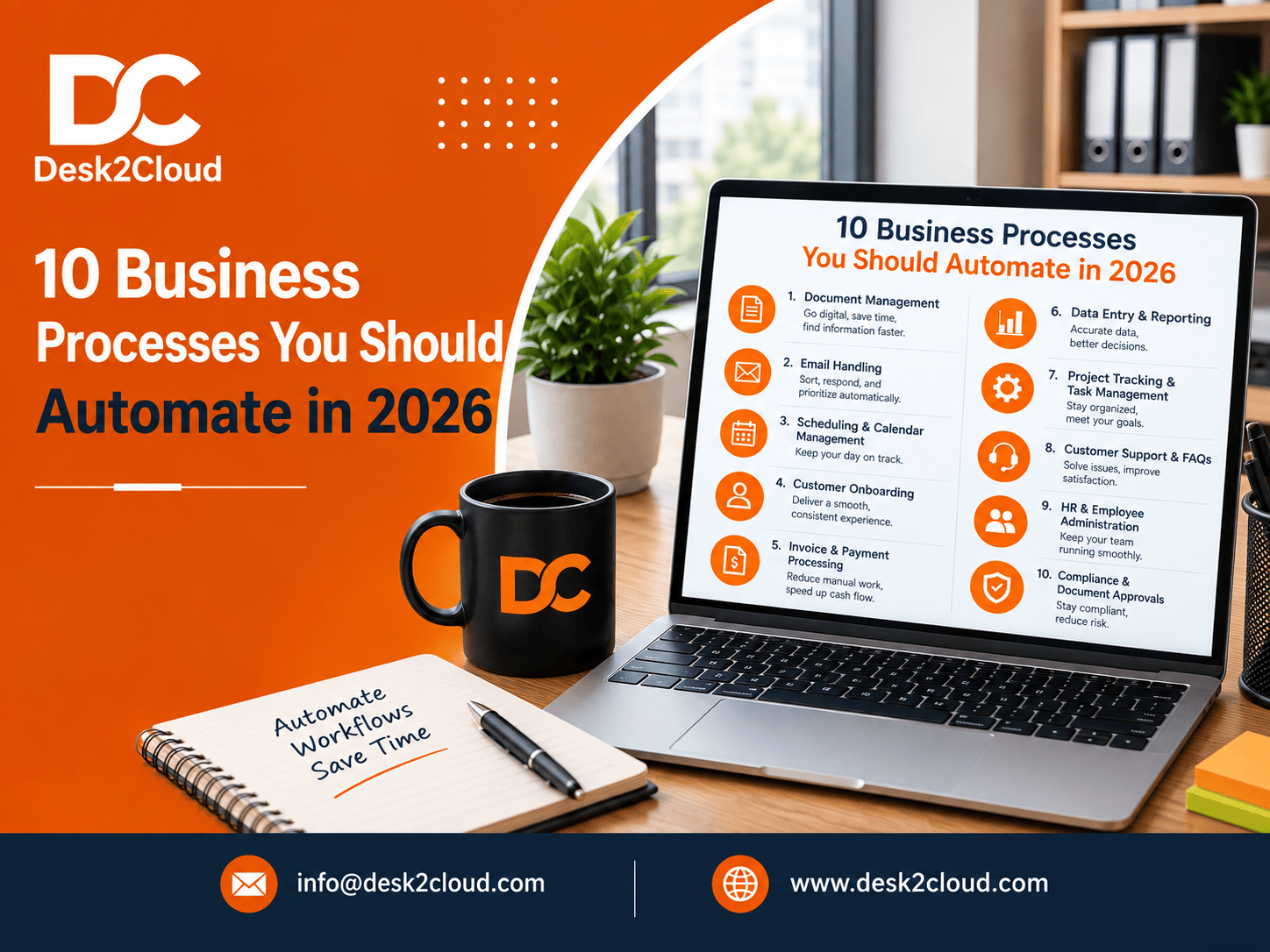
If you're wondering where to start with business process automation in the USA, the short answer is: begin with the tasks that are repetitive, rule-based, and eat up hours every week invoicing, scheduling, onboarding, reporting, and follow-ups. These are the highest-ROI processes to automate in 2026, and you don't need a big IT budget or a six-month consulting project to fix them.
Below is a practical breakdown of the 10 processes worth automating this year, how to decide what to tackle first, and where a process optimization service can help you move faster than doing it alone.
Why Business Process Automation Matters More in 2026
Automation stopped being optional a while ago. The global business process automation market is on track to grow from roughly $16.3 billion in 2025 to $18.8 billion in 2026, a 15.4% jump in a single year, according to The Business Research Company.
That growth isn't just enterprise software spending. It reflects a real shift in how small and mid-sized US businesses operate day to day:
-
Roughly 60% of companies now use some form of automation in their workflows, per Speak Wise's 2026 data.
-
Businesses that automate typically see a 25–50% reduction in operational costs and a 40% average productivity gain per employee (Gitnux, 2026).
-
72% of enterprises have implemented robotic process automation (RPA) in at least one business function (RAMAM Tech, 2026).
In plain terms: if your competitors haven't automated yet, they're about to. If they already have, waiting is costing you time and money right now.
How to Decide What to Automate First (The 3-Question Filter)
Not every task deserves automation. Before you touch a single tool, run each process through this quick filter it's the same one we use with clients at Desk2Cloud during a process optimization review.
|
Question |
If "Yes" |
If "No" |
|
Does it happen weekly or more often? |
Strong automation candidate |
Lower priority |
|
Does it follow the same steps every time? |
Strong automation candidate |
Needs standardizing first |
|
Does it require real human judgment? |
Automate the steps around it, not the decision |
Fully automatable |
A process that's frequent, repeatable, and low-judgment (like sending payment reminders) is an easy win. A process that's frequent but judgment-heavy (like final hiring decisions) should only have its paperwork automated, not the decision itself.
The 10 Business Processes to Automate in 2026
1. Lead Management & Qualification
Leads that sit unread in an inbox for a day are leads you're quietly losing to a competitor who replied faster. Automating lead management means every new inquiry is captured, scored, and routed the moment it comes in not whenever someone gets around to checking.
What to automate: Form-to-CRM entry, lead scoring rules, instant sales team alerts, and automatic follow-up task creation.
2. Customer Support & Triage
Support tickets that land in a shared inbox tend to get answered in the order someone happens to notice them, not the order of urgency. Automated triage sorts, tags, and routes tickets the second they arrive, so urgent issues never wait behind low-priority ones.
What to automate: Ticket categorization, priority tagging, auto-assignment, and first-response acknowledgments.
3. Appointment Scheduling
Back-and-forth emails to find a meeting time are a small cost repeated hundreds of times a year. Self-service booking links paired with automated reminders cut that cost to almost zero and reduce no-shows at the same time.
What to automate: Booking links, confirmation emails, calendar sync, and reminder texts or emails before appointments.
4. Invoice & Finance Workflows
Manual invoicing and payment chasing is one of the most common bottlenecks in small and mid-sized businesses. Automating this workflow from invoice creation to payment reminders to reconciliation speeds up cash flow and cuts down on errors.
What to automate: Invoice generation on project completion, recurring billing, payment reminders, and purchase-order matching.
5. Document Processing
Manually copying data from PDFs, forms, or scanned documents into a system is slow and error-prone. Automated document processing extracts and organizes that data for you, with far fewer mistakes.
What to automate: Data extraction from forms and invoices, document routing for approval, and file naming and storage.
6. HR & Employee Onboarding
New-hire onboarding involves the same steps every single time offer letters, welcome emails, system access, and orientation scheduling. Automating that sequence gives every new employee a consistent, professional start without extra work for HR.
What to automate: Welcome sequences, document collection, access provisioning, and orientation calendar invites.
7. Marketing Content Operations
Writing content is creative work, but publishing and distributing it doesn't have to be manual. Automating the operational side of marketing scheduling, cross-posting, and reporting frees the team to focus on strategy and quality.
What to automate: Content calendars, social media cross-posting, email campaign scheduling, and performance report pulls.
8. Business Reports & Analytics
Pulling numbers from five different spreadsheets before a Monday meeting isn't a good use of anyone's time. Automated reporting pulls data from your existing systems into one clean, structured view that updates itself.
What to automate: Weekly/monthly report generation, dashboard updates, and data syncing between tools.
9. Internal Knowledge Management
When answers to common questions live only in someone's inbox or memory, every new hire and every repeat question costs time. Automated knowledge management keeps SOPs, templates, and FAQs organized and searchable in one place.
What to automate: Centralized documentation updates, version control, and internal FAQ or wiki organization.
10. IT Service Desk Resolution
IT requests password resets, access requests, software installs are usually repetitive and rule-based, which makes them ideal for automation. Automated ticket routing and self-service options resolve routine requests without waiting on a technician.
What to automate: Incident ticket routing, self-service password resets, access provisioning, and escalation rules.
Quick Reference: Automation Priority Table
|
Process |
Frequency |
Automation Difficulty |
Typical Impact |
|
Lead management & qualification |
Daily |
Low |
High |
|
Customer support & triage |
Daily |
Medium |
High |
|
Appointment scheduling |
Daily |
Low |
Medium |
|
Invoice & finance workflows |
Weekly |
Medium |
High |
|
Document processing |
Ongoing |
Medium |
High |
|
HR & employee onboarding |
Per hire |
Low |
High |
|
Marketing content operations |
Weekly |
Low |
Medium |
|
Business reports & analytics |
Weekly/Monthly |
Medium |
High |
|
Internal knowledge management |
Ongoing |
Low |
Medium (foundational) |
|
IT service desk resolution |
Daily |
Medium |
Medium |
DIY Automation vs. a Managed Process Optimization Service
Most US businesses hit the same wall: automation tools are easy to buy but hard to actually implement, maintain, and keep updated as the business changes.
-
DIY automation works well if you already have someone in-house who understands your systems and has time to build and maintain workflows.
-
Managed business process automation services make more sense when you want the outcome cleaner workflows, fewer manual steps without becoming the person who has to babysit the automation.
This is where business process optimization services come in. Instead of a lengthy consulting engagement, the goal is practical: review your current folders, emails, and repeat tasks, then standardize and automate the small things that are quietly slowing your team down.
Desk2Cloud works with growing US businesses including teams based in Greenville, SC as an extended back office, handling workflow optimization, data and reporting, and admin and documentation support, so the automation actually gets set up and maintained, not just recommended.
FAQs
What is business process automation?
Business process automation (BPA) is the use of technology and standardized workflows to complete repetitive business tasks like invoicing, onboarding, or reporting with minimal manual input.
Which business process should I automate first?
Start with tasks that are frequent, follow the same steps every time, and don't require complex judgment calls. Invoicing, scheduling, and lead follow-up are usually the fastest wins.
Is business process automation only for large companies?
No. Small and mid-sized businesses often see automation ROI faster than large enterprises, since a few hours saved per week has a bigger relative impact on a lean team.
How much does business process automation cost for a small business?
Costs vary widely depending on scope, but many businesses start with a functional setup for a modest monthly cost and see it pay for itself within weeks through time saved.
Do I need new software to automate my business processes?
Not always. Many of the biggest inefficiencies messy folders, inconsistent naming, unstructured emails can be fixed with better standardization before any new software is introduced.
Final Thoughts
You don't need to automate everything at once. Pick one process from this list the one costing your team the most hours this month fix it, measure the time saved, and move to the next.
If you'd rather have someone handle the review and setup for you, Desk2Cloud's process optimization support is built for exactly that: practical, small-scale automation and workflow improvements for growing US businesses, without the overhead of a full consulting engagement.
Ready to see which of your processes are worth automating first? Get in touch with Desk2Cloud for a free workflow review.
